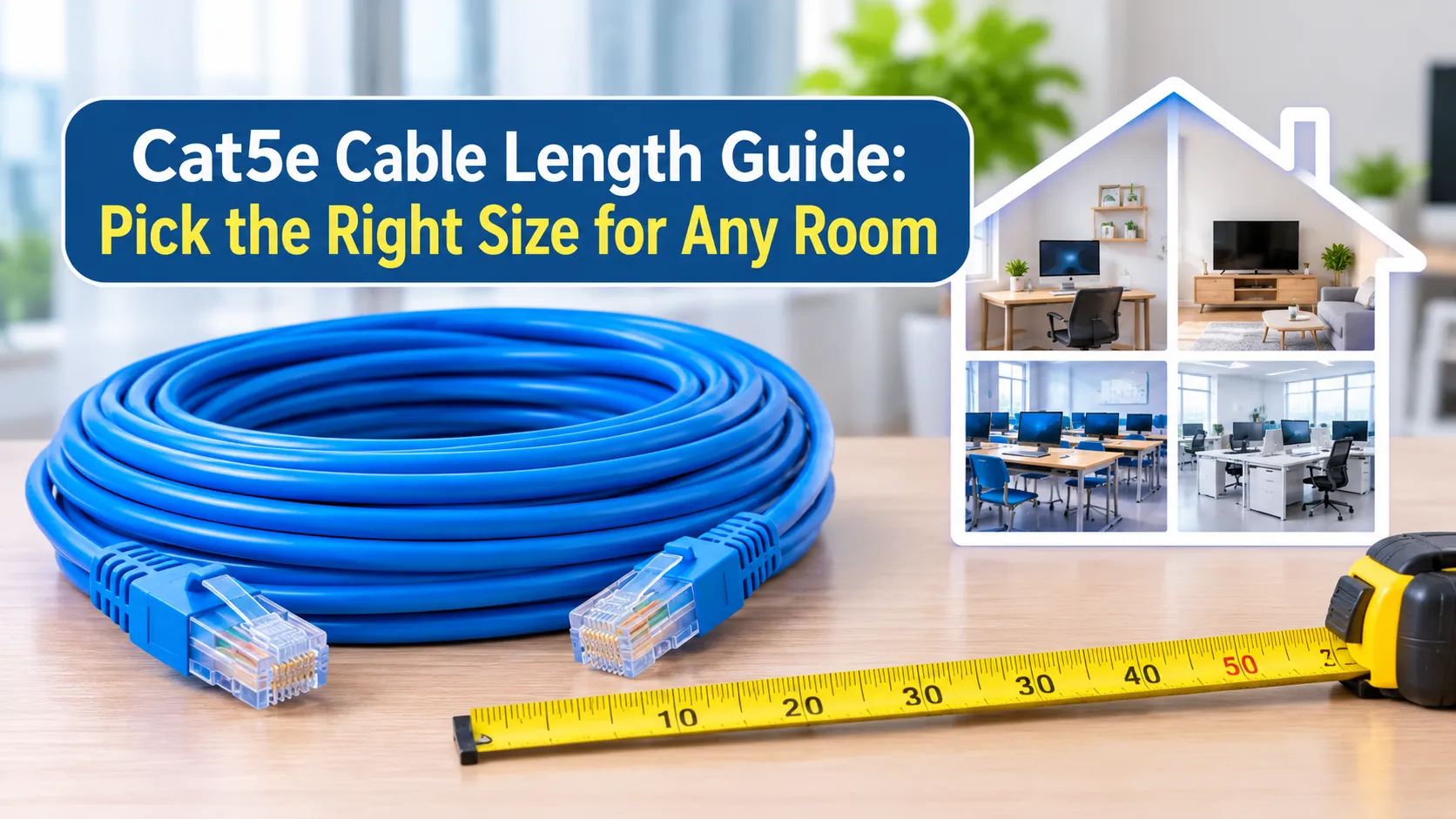
Picking a network cable sounds easy. You grab one and plug it in. But length matters more than most people think. A cable that is too short will not reach. A cable that is too long makes a mess and can even slow things down.
This guide explains how to pick the right length of Cat5e cable for any room. It uses simple words and clear steps.
What Is Cat5e Cable?
Cat5e stands for Category 5 enhanced. It is a type of network cable used to connect devices to a router, switch, or wall port.
A Cat 5e Ethernet cable has eight thin wires inside. They are twisted in pairs. The twisting helps block noise from other wires and devices.
Cat5e cables can carry speeds up to 1 gigabit per second. That is fast enough for streaming, video calls, gaming, and office work. This is why they are still popular in homes and small offices.
The Maximum Length You Should Know
Here is the most important number. A Cat5e cable can run up to 100 meters. That is about 328 feet.
This is the limit set by network standards. Past this point, the signal gets weak. Data can drop, and the connection can become slow or stop working.
Most people never come close to this limit. A normal home is much smaller. Still, it helps to know where the line is.
The 90 plus 10 rule
In offices and schools, the 100 meters is often split in two parts. The cable inside the wall can be up to 90 meters. The short cables at each end, called patch cords, can add up to 10 meters.
If you are wiring a big building, keep this rule in mind. It keeps the signal strong from end to end.
Why Length Matters
A longer cable means the signal has to travel farther. Along the way, it loses a little strength. This is called attenuation.
A short cable does not have this problem. A very long one can.
There is another issue. A longer cable has more chance to pick up noise. It may run near power wires, lights, or motors. This noise can hurt the signal.
So the goal is simple. Use enough cable to reach, but not much more.
Common Cat5e Cable Lengths
Cat5e cables are sold in standard sizes. Here are the ones you will see most often.
-
1 foot to 3 feet: short jumps between devices
-
5 feet to 7 feet: desk setups and TV stands
-
10 feet to 15 feet: across a small room
-
25 feet: room to room in a house
-
50 feet: longer runs, like a hallway or garage
-
100 feet and more: large rooms, shops, and outdoor buildings
You can also buy a long spool and cut it to size. This needs a crimping tool and some practice. For most people, a ready made cable is easier.
How to Measure the Right Length
This is the step most people skip. Do not guess. A few minutes of measuring can save a trip to the store.
Step 1: Find the path
Cables rarely go in a straight line. They go along walls, around doors, and up corners. Pick the path you want the cable to follow.
Step 2: Measure that path
Use a tape measure or a piece of string. Follow the exact route. Then measure the string.
Step 3: Add extra length
Add about 10 to 20 percent more. You need slack for bends and moves. A cable that is pulled tight can come loose or get damaged.
Step 4: Round up to a standard size
If you get 18 feet, buy a 20 or 25 foot cable. It is always better to have a little extra than too little.
Picking the Right Length for Each Room
Every room has different needs. Here is a simple way to think about it.
Bedroom or home office
Most of the time, the router is in another room. A 15 to 25 foot cable is usually enough. If the desk is close to the router, 7 to 10 feet works well.
Living room
You may want to connect a TV, a game console, or a streaming box. The router could be across the room. A 10 to 25 foot Cat5e cable usually does the job.
Small office
Desks sit in rows, and the switch may be in a corner. Short patch cables of 3 to 7 feet work for desk to wall. Longer ones of 25 to 50 feet may be needed to reach the switch.
Classroom or computer lab
Labs have many computers in a small space. Use short cables of 3 to 10 feet from each computer to the wall or switch. Neat, short cables make the room safer and easier to manage.
Basement or garage
These spaces are often far from the router. A 50 foot cable or more may be needed. Keep the cable away from heat, water, and sharp edges.
Cables That Are Too Short or Too Long
Both mistakes cause trouble.
A short cable gets stretched. This can bend the plug and loosen the connection. Over time, it can break the tiny wires inside.
A long cable has its own problems. Extra cable ends up in a messy pile. Piles can tangle, trip people, and trap heat.
If you do have extra cable, do not wrap it in tight loops. Coil it loosely, or hide it behind furniture.
Does Cat5e Slow Down on Long Runs?
For lengths up to 100 meters, a good Cat5e cable will hold full speed for normal use. You do not need to worry about short or medium runs.
Problems usually come from poor quality, not from length alone. A cheap cable with bad wire can fail even at short range. Always check what the cable is made of.
Choose Good Quality Cat5e Cables
Not all Cat5e cables are the same. Two cables of the same length can act very differently.
Look for these things:
-
Pure copper wire: Some cheap cables use copper clad aluminum. It breaks more easily and does not carry signal as well.
-
Solid or stranded: Solid wire is best for long runs inside walls. Stranded wire is more bendable, so it suits patch cables and desks.
-
Good plugs: The plug should click firmly into the port.
-
Safety marks: Check the jacket for printed details about the cable type.
Cat5e cables with these features last longer and work better.
Tips for Laying Cables Safely
How you place a cable matters as much as how long it is.
-
Keep it away from power cords and electric wires.
-
Do not bend it in sharp corners.
-
Do not staple or pinch it hard.
-
Avoid running it under rugs where people walk.
-
Use clips or cable channels along walls.
Be gentle with the cable. The wires inside are very thin. A hard bend or squeeze can damage them without any sign on the outside.
Should You Use Cat6 Instead?
Cat6 can handle higher speeds, especially over short runs. But for most homes and offices, Cat5e is enough. If your internet plan is under 1 gigabit, you will not feel a difference.
If you are wiring a new building and want to be ready for the future, you might think about Cat6. For everyday use, Cat5e cables are still a smart, simple choice.
Quick Checklist Before You Buy
Run through this list before you pay.
-
Measure the real path, not a straight line.
-
Add 10 to 20 percent extra.
-
Stay under 100 meters.
-
Pick copper wire, not aluminum.
-
Choose stranded for desks and solid for walls.
-
Round up to the next standard size.
Final Thoughts
Choosing the right length for a Cat5e cable is not hard. Measure the path, add a little slack, and keep it under 100 meters. That is all it takes in most rooms.
A cable that fits well looks neat, stays safe, and works for years. Take a few minutes to plan, and your network will be steady and easy to manage.