My daughter turned 11 in March. By April she had a phone. By May I had anxiety.
Not because anything bad happened. Because I realised I had handed her access to the entire internet and done nothing to manage it. The phone was a Redmi Note 12 (because an 11-year-old does not need a flagship), and it came with exactly zero parental controls out of the box.
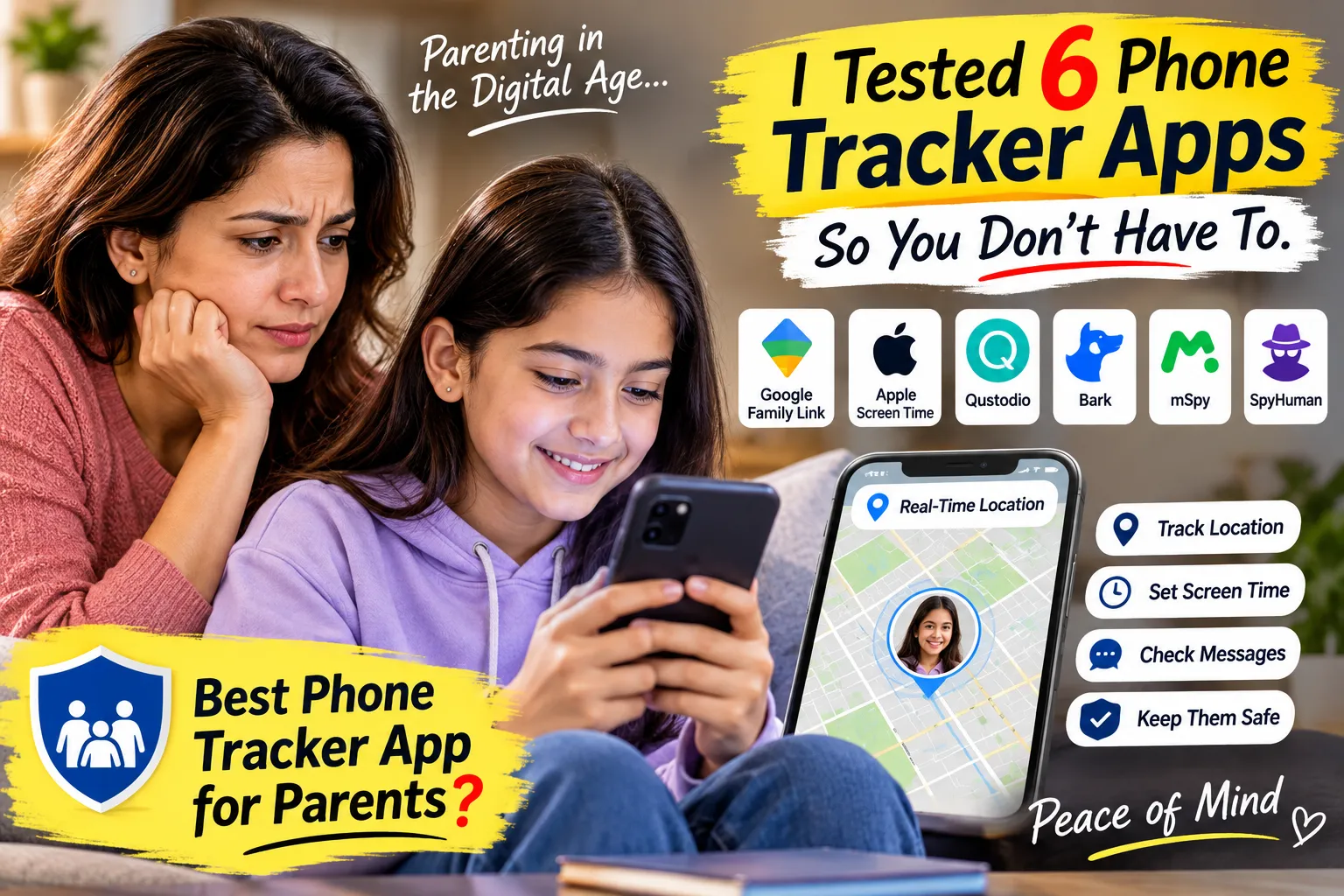
So I did what any mildly obsessive parent would do. I tested six phone tracker and parental control apps over three months, on her phone and on a test device, to figure out which one actually does what it promises. Here's what I found.
What I was looking for
Three things. Location (where is she after school). Screen time (how much is too much). Communication (who is messaging her, and are any of them strangers).
That's it. I didn't need to read every text. I didn't need a keylogger. I needed to know she was where she said she was, that the phone wasn't eating her sleep, and that nobody sketchy was in her contacts.
The six I tested
Google Family Link (free). This is the one everyone should start with, because it's free and built into every Android phone. I set it up during the phone's initial setup, linked her Google account to mine, and within 10 minutes I had screen time limits (2 hours on school days), per-app limits (45 minutes of YouTube, 30 minutes of games), app-install approval (every download needs my okay), bedtime lock (phone goes dark at 9:30pm), and her location on a map in real time.
What it can't do: show me who she's messaging or what she's watching inside apps. It tells me she spent 90 minutes on WhatsApp. It doesn't tell me who she talked to for those 90 minutes. For an 11-year-old, that gap bothered me.
Apple Screen Time. I tested this on an old iPhone SE. It does the same things as Family Link (time limits, app limits, downtime, content restrictions) but within Apple's ecosystem. If your kid has an iPhone, this is your Family Link equivalent. The communication limits (restrict calls and messages to contacts only) are actually stronger than Family Link's. But it's Apple-only, and I needed Android.
Qustodio (~$55/year). The best all-rounder I tested. Location, app limits, web filtering (it blocked a gambling site the first week), call and SMS logs, and a panic button. The web filter is genuinely useful and catches things SafeSearch misses. It doesn't read WhatsApp or Instagram messages though, so the communication gap is still there for app-based messaging.
Bark (~$99/year). Completely different approach. Bark doesn't show you everything. It uses AI to scan messages, emails, and social media across 30+ platforms and alerts you when it detects something concerning: bullying language, explicit content, depression indicators, predatory contact. You get an alert, not a transcript.
I liked the philosophy. I don't want to read my daughter's conversations with her friends. I want to know if something is wrong. Bark's approach fits that. The downside: no real-time location tracking (it has check-ins but not continuous GPS), and no screen time management. You still need Family Link alongside it.
mSpy (~$48/month). The most powerful and the most expensive. Full WhatsApp reading, Instagram DMs, Snapchat, call recording, screen recording, keylogger. It sees everything.
Honest reaction: it felt like too much. I'm her parent, not her probation officer. The features are impressive on paper, but the idea of reading every message my 11-year-old sends to her best friend about which Bollywood actor is cutest made me uncomfortable. And the price is steep for what is, let's be honest, surveillance-grade software.
SpyHuman (free plan available). This is where I landed for the communication gap that Family Link doesn't cover. SpyHuman's phone tracker gave me WhatsApp message logs, call history, SMS, app activity with timestamps, and continuous GPS location. The free plan covers basic features, which was enough for me to evaluate it before committing.
Setup took about 5 minutes. I installed it on her phone (with her knowing, obviously), granted the permissions, and the dashboard showed activity within 10 minutes. The WhatsApp logs filled the exact gap Family Link left: I could see who was messaging her and whether any contacts were unfamiliar.
What it doesn't do: web filtering. No content blocking. It shows you what happened. It doesn't prevent anything from happening. That's why I use it alongside Family Link, which handles the blocking and time limits.
What I actually use (the combo)
After three months of testing, my setup is two apps, not one.
Google Family Link handles the structural controls: screen time, app limits, bedtime, app approval, basic web safety. It's free and does the heavy lifting.
SpyHuman handles the visibility: who's messaging her, call logs, app activity details. It fills the communication gap that Family Link leaves open.
Total cost: Family Link is free. SpyHuman has a free plan that covers what I need. So my total monthly spend on parental monitoring is zero.
I dropped Qustodio (good but redundant once I had Family Link plus SpyHuman), Bark (great concept but I needed location tracking it doesn't provide), and mSpy (too much, too expensive, too surveillance-y).
What I told my daughter
Everything. "I can see your location, how long you spend on each app, and who messages you on WhatsApp. Here's why: some people online aren't safe, and until you're older, I want to make sure the people talking to you are the people you actually know."
She rolled her eyes. She also accepted it, because the conversation happened before the phone arrived, and the rules were part of the deal from day one.
The rule I set for myself: I check the dashboard once a day, usually after she's asleep. I don't read individual messages unless I see something that doesn't look right (an unknown number messaging her repeatedly, for example). I told her this too.
Six months in, I've checked maybe twice about something specific. Both times it was nothing (a friend's older brother borrowed the friend's phone). The monitoring is 95% peace of mind and 5% actual action. That's the right ratio.
What I'd tell another parent
Start with Family Link (or Screen Time on iPhone). It's free, it's built in, and it handles 80% of what you need. If the 20% that's missing (communication visibility) bothers you, add a dedicated monitoring app. Use both openly. Tell the kid.
Don't start with the most powerful tool. Start with the lightest one that solves your actual problem. Escalate if you need to, not because you can.
And have the conversation before the phone. Not after. The 20 minutes you spend setting up controls are less important than the 10 minutes you spend explaining them.
I'm a parent writing about the intersection of technology and raising kids who don't hate you for monitoring their phone. Opinions are mine. I paid for every app I tested except the free ones.